How to Convert YouTube Videos to Text
From any link to a clean, timestamped transcript — no software to install.
- Step 1
Paste a YouTube URL
Copy the link to the YouTube video you want to convert and paste it into the input box. No file download or software installation is required.
- Step 2
Generate the transcript
Click the convert button and let our AI analyze the video's speech. The tool automatically turns spoken content into a readable YouTube transcript.
- Step 3
Copy and use your text
Review the generated transcript, copy the text, and use it wherever you need. You can turn video content into searchable notes, research material, articles, summaries, or other content.
YouTube to Text: Turn Any YouTube Link into Usable Text
Get a clean, timestamped transcript in seconds, surface the key ideas with AI, and reuse the same text across every workflow.
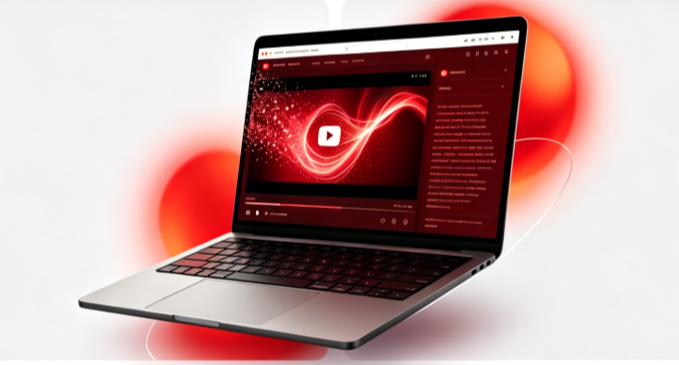
Turn any YouTube video to text in seconds
If you're tired of rewinding the same clip to catch one sentence, this is the faster path. Paste a link and get a timestamped transcript you can skim, jump to the exact moment, and copy verbatim — without losing time to manual note-taking. The whole point of a youtube video to text converter is to make long videos searchable.

Pull key ideas out of any video with youtube to text AI
A raw youtube video to text dump is useful, but the real leverage comes from AI. After transcription, the same engine highlights the hook, the key moments, and the call to action — so you can turn an hour-long talk into five bullet points without watching it again.
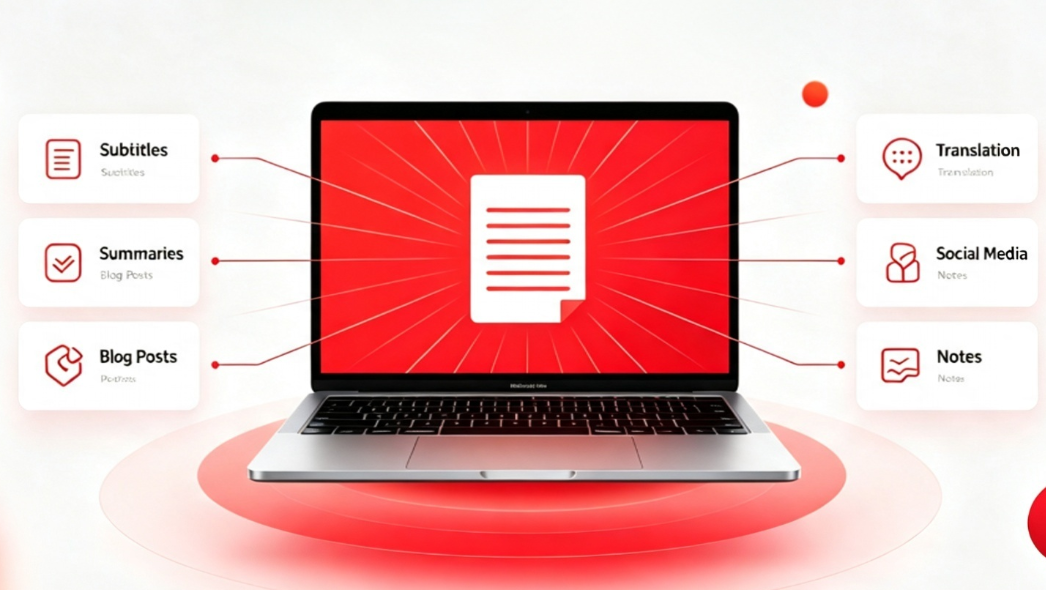
One transcript, many workflows
Once you transcribe youtube video to text, the same file powers subtitles, study notes, blog drafts, and social posts. Instead of re-watching for every task, you reuse one piece of text across your whole workflow.
Why use this YouTube to text converter
Everything you need to turn any video into usable text.
Accurate transcription
High accuracy even with background noise.
100+ languages
Auto-detect and translate into 100+ languages.
Timestamps
Every line links to the exact video moment.
Flexible export
TXT, SRT, VTT, DOCX and more.
AI summaries
Key points and auto summaries.
Speaker labels
Separate voices and name speakers.
Searchable
Find any phrase instantly.
Privacy first
We don't store your links or transcripts.
Who uses YouTube video to text transcripts
Journalists & reporters
Quote speakers exactly without scrubbing hours of footage.
Academic researchers
Pull data from interviews and lectures to analyze.
Podcast & video editors
Generate subtitles and chapters in minutes, not hours.
Students & language learners
Study vocabulary and pronunciation with aligned text.
Marketing & growth teams
Repurpose video content into posts and scripts.
Video & content creators
Plan scripts and clip highlights from the transcript.
Frequently asked questions about YouTube to text
Quick answers before you start.
Turn Any YouTube Video into Text
Whether you need to transcribe youtube video to text for notes, captions, or research, our tool delivers accurate results without sign-up.