
How to transcribe YouTube videos to transcript accurately?
Three steps from any link to a clean, timestamped transcript.
- Step 1
Paste the YouTube link
Copy the YouTube video URL and paste it into the input box. You can use a regular watch link, a Shorts link, or most embedded video formats.
- Step 2
Generate YouTube video transcript
After submitting the link, the YouTube subtitle generator will first retrieve existing available subtitles for the video; if no subtitles are found, the speech recognition function will be activated.
- Step 3
Review, copy, or download the result
The generated transcript will be matched with timestamps, and you can also browse AI summaries, copy the full text, or download files in formats.
Quickly convert YouTube videos into transcripts!
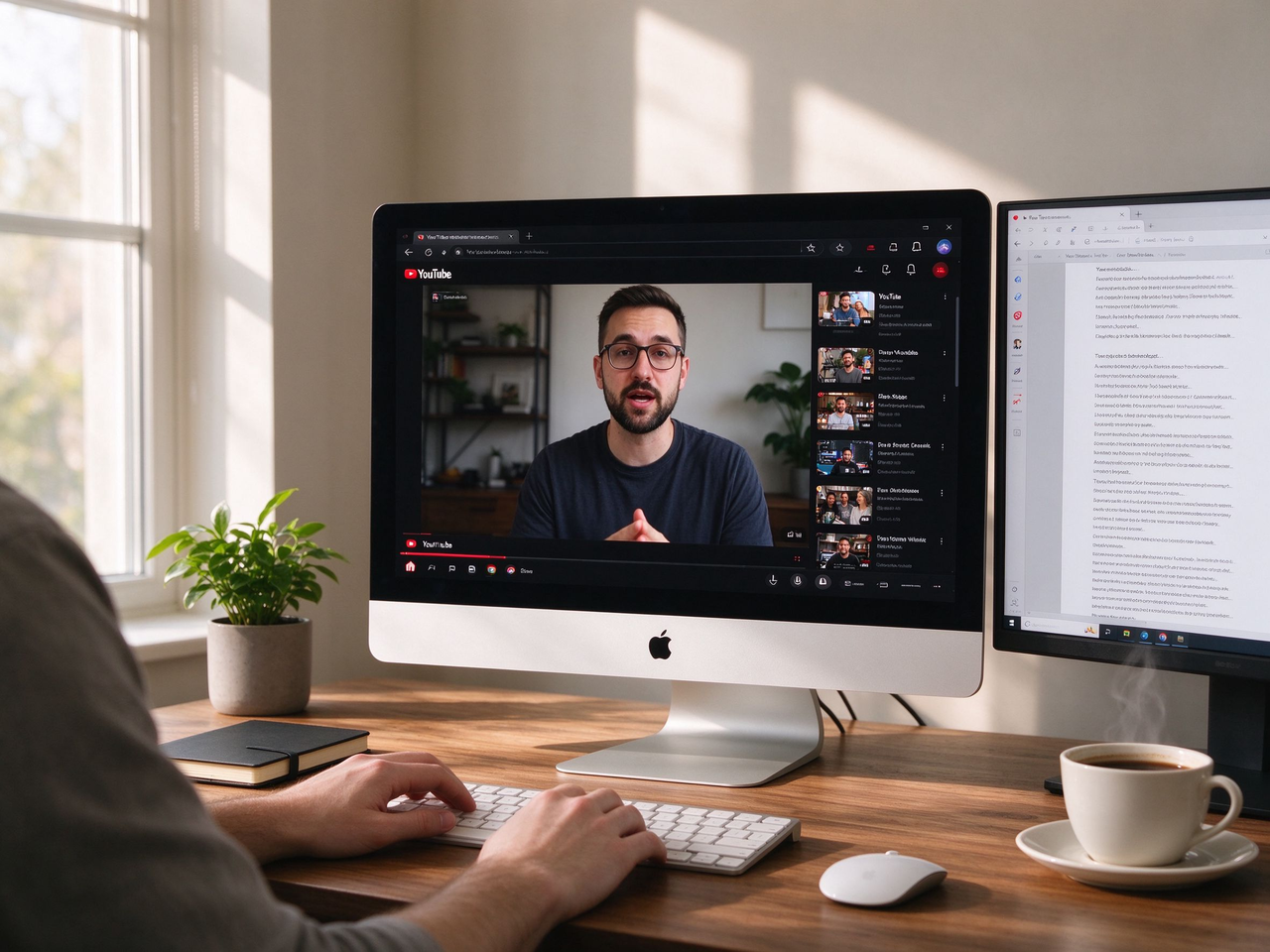
Turn long videos into accurate and clear text
If you need to quickly learn about a certain field by browsing numerous YouTube videos, youtube-to-transcript.ai helps you find answers faster! Simply paste the YouTube video link to get a transcript with timestamps and speaker recognition. You can grasp the content more quickly than others, jump to corresponding segments sentence by sentence, and copy or edit the required text without wasting time. You may export files as TXT, DOCX, SRT, VTT or CSV for use in editing tools, subtitle workflows, spreadsheets or content planning.

Extract quotes, notes and core insights without manual typing
The YouTube video transcription technology of youtube-to-transcript.ai helps you extract useful information from large numbers of videos. Whether you are writing articles, organizing meeting notes, summarizing speeches, or gathering citations for research, the generated transcript provides a searchable, editable and directly reusable text version. If there are multiple speakers in the video, their names can also be displayed to make the transcript easier to read, verify and reuse.
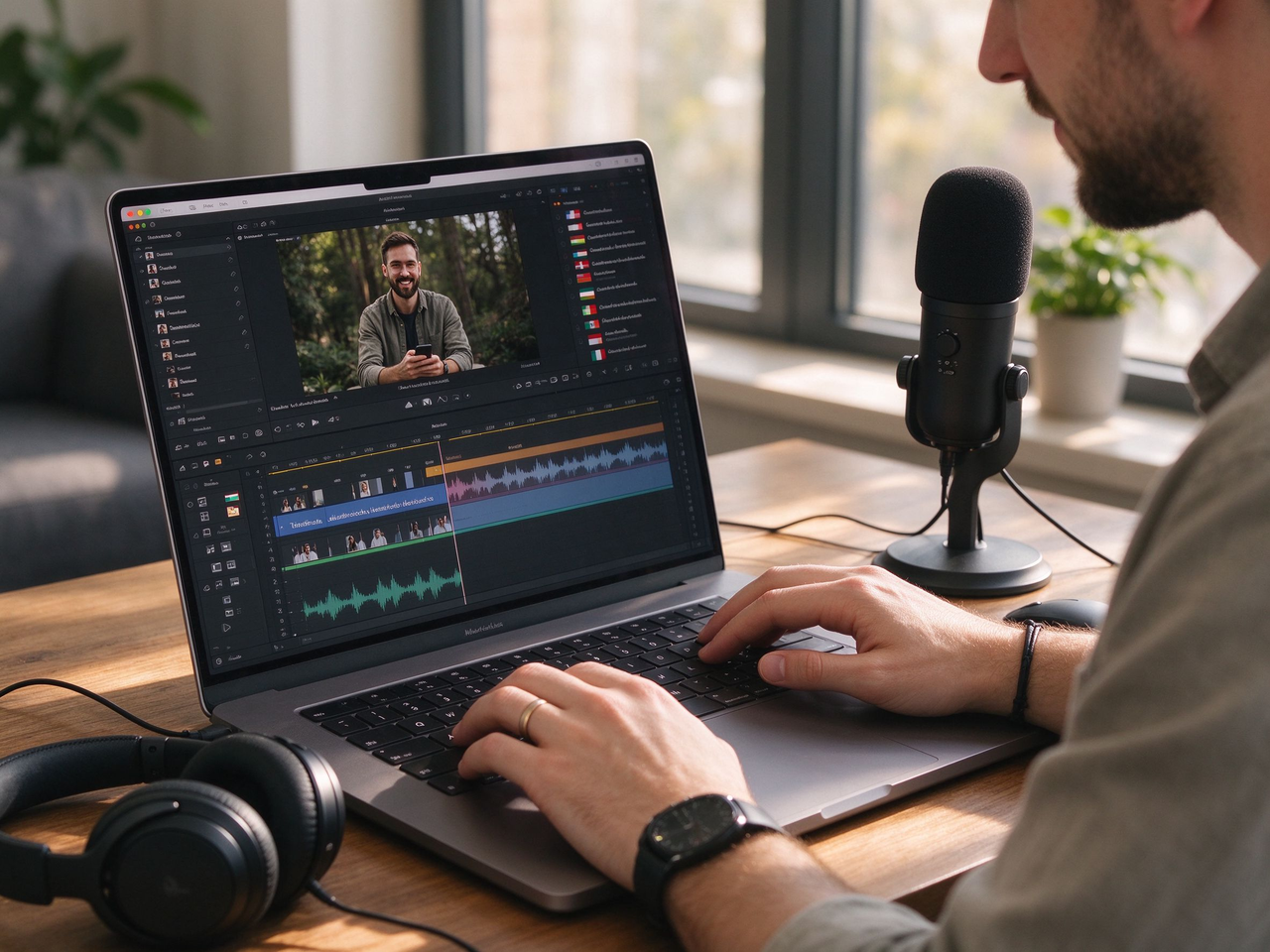
Professional subtitle translator and AI voiceover
Transcripts are more than just speech-to-text conversion. For students, creators, marketers and editors, translating transcribed subtitles into different languages and generating natural, fluent voiceovers means you can streamline multiple tasks here and distribute multiple versions of videos without extra tools or complicated steps.
Why you should convert YouTube to Transcript in here?
A focused toolkit that does one thing exceptionally well.
High-accuracy transcription
Speech models tuned for real-world audio — accents, overlap, and noisy rooms included.
100+ languages
Transcribe in dozens of languages and auto-detect the spoken language for you.
Timestamps & chapters
Every line is clickable and time-coded, with auto-generated chapter markers.
Flexible exports
Download as plain text, DOCX, subtitle-ready SRT, VTT, or CSV — drop them straight into your editor.
AI summaries
Turn a 40-minute talk into a 5-bullet summary and key quotes in seconds.
Speaker labels
Automatically separate who said what, then rename speakers with a click.
Searchable transcripts
Jump to any moment by keyword. Find the exact sentence without scrubbing the video.
Privacy-first
Your links and transcripts stay yours. Delete anything, anytime, with one click.
See how different professionals leverage YouTube transcripts
Journalists and reporters
Reporters pull verbatim quotes from press conferences and source interviews before a story ships. Having the exact wording on hand makes fact-checking faster and protects against misattribution when the deadline is tight.
Academic researchers
Researchers turn qualitative interviews and recorded lectures into coded text they can tag, cite, and feed into analysis tools. A transcript converts spoken data into something a reference manager can actually handle.
Podcast and video editors
Editors build show notes, chapter markers, and social clips from the full transcript instead of re-listening to every minute. The text becomes the backbone for repurposing long-form audio into shorter, shareable pieces.
Language learners and teachers
Learners read along with native speech to absorb phrasing and vocabulary in context, while teachers turn talks into listening exercises and vocab lists. Timestamps let them jump straight to the example worth reviewing.
Marketers and growth teams
Marketers mine competitor webinars and keynote talks for positioning, lift testimonials worth quoting, and repurpose highlights into posts. The transcript is the raw material for a week of content from a single video.
Video or Content creators
Creators use transcripts to repurpose long videos into shorts, captions, blog posts, newsletters, and social content. When one video needs to become many assets, a clean transcript saves time and makes editing much easier.
Learn More about youtube-to-transcript.ai
Common questions about transcripts, formats, and languages.




Ready to turn YouTube into transcript in seconds?
Paste a YouTube link, get a clean transcript with timestamps, and export it!